x86_64 and ARM64, AppImage, .deb and .rpm
SSH client for Linux
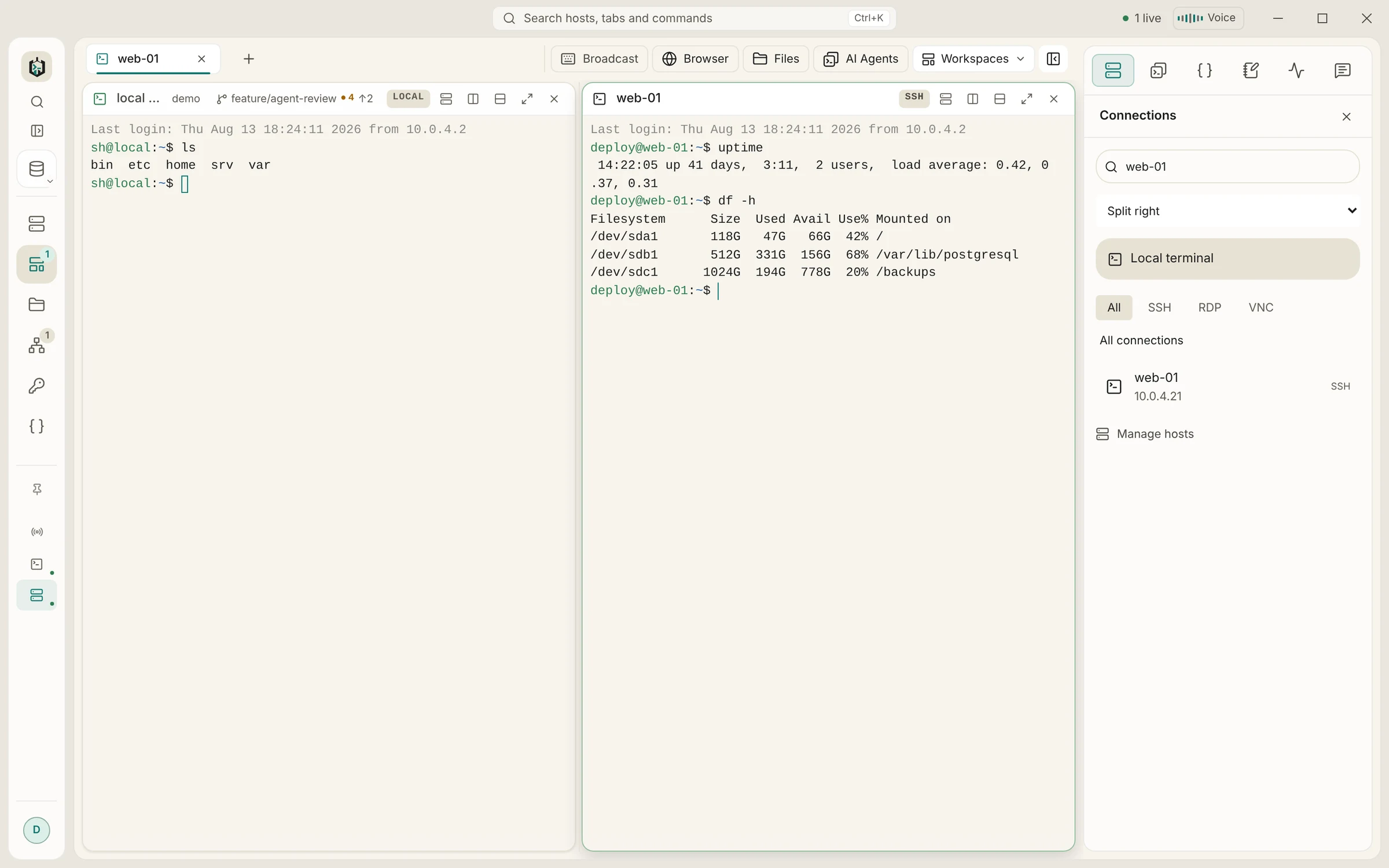
SSH, SFTP, RDP and VNC in one window on your Linux desktop, next to your bash, zsh or fish. Pick the AppImage that updates itself or a .deb or .rpm package for your package manager, on x86_64 or ARM64.
Requirements and downloads
- Supported systems
- Distributions at least as new as Ubuntu 22.04 (glibc 2.35), with WebKitGTK 4.1
- Download
- AppImage, .deb and .rpm, each for x86_64 and ARM64
- Updates
- AppImage: built in. .deb and .rpm: install the newer package
- Local shells
- Your login shell, plus everything in /etc/shells and Nix profiles
- SSH agent
- The agent behind SSH_AUTH_SOCK
- Price
- Free without sync; Pro with sync EUR 19.90 once
Installation
Install Ravelon on Linux
Debian, Ubuntu, Linux Mint: the .deb package
Download the .deb for your architecture and install it with apt, which pulls in the dependencies.
sudo apt install ./Ravelon_*_amd64.debFedora, openSUSE, RHEL: the .rpm package
Download the .rpm and install it with dnf (or zypper on openSUSE).
sudo dnf install ./Ravelon-*.x86_64.rpmAny distribution: the AppImage
Make the file executable and start it. AppImages need FUSE 2; on Ubuntu 22.04 that is the libfuse2 package, on 24.04 libfuse2t64. The AppImage is the format that updates itself.
chmod +x Ravelon_*_amd64.AppImage && ./Ravelon_*_amd64.AppImageAdd your servers
On first start Ravelon offers to import your ~/.ssh/config. You can also import a CSV list, a PuTTY or MobaXterm export, or add hosts by hand. Passwords go into the encrypted vault once.
On Linux
What works differently on Linux
Updates the way you prefer
The AppImage downloads signed updates on its own. The .deb and .rpm packages leave updates to you and your package manager, which is what most administrators want on managed machines.
Your shells next to your servers
Local terminals start your login shell. The picker lists every shell in /etc/shells plus Nix profiles, so bash, zsh or fish sit in the next tab or pane.
RDP and VNC without a second app
Windows machines over RDP and Linux or Mac desktops over VNC open in the same tabs as SSH. VNC can verify the server's TLS certificate, and unencrypted modes can run through an SSH tunnel.
Works with your ssh-agent
Keys loaded into the agent behind SSH_AUTH_SOCK (OpenSSH, GNOME Keyring or KeePassXC, for example) work in Ravelon, and agent forwarding can be switched on per host.
For administrators
A machine policy at /etc/ravelon/policy.json can turn off updates, sync, AI or telemetry. Logs are in ~/.local/state/ravelon/logs (or $XDG_STATE_HOME) and never contain passwords, keys or terminal output. Agent notifications use notify-send when it is installed.
Host keys are checked on every system
The first connection shows the server's fingerprint; once you confirm it, Ravelon pins it and stops if it ever changes. Every jump host is checked against its own pin.
FAQ
Frequently asked questions
Is there an apt or dnf repository?
Not at the moment. Install the .deb or .rpm from the download page and replace it with the next one, or use the AppImage, which updates itself.
Does it run on a Raspberry Pi or other ARM boards?
There are ARM64 (aarch64) builds of the AppImage, .deb and .rpm. They need a 64-bit system with a desktop at least as new as Ubuntu 22.04.
Are the Linux packages signed?
The packages themselves carry no GPG signature yet. The updates the AppImage installs are signed and checked against a key built into the app.
Can I use the same hosts on my other computers?
Yes. Ravelon Pro syncs hosts, keys and snippets end-to-end encrypted between Windows, macOS and Linux for a one-time EUR 19.90, or free through a sync server you run yourself.
Same app on every system
Hosts, keys and snippets sync end-to-end encrypted between Windows, macOS and Linux, so a laptop on one system and a workstation on another share one server list.
Coming from another client on Linux?
Ravelon vs. Remmina
RDP and VNC right next to your SSH work, on Windows and macOS too.
Ravelon vs. Tabby
Vault, files, tunnels and sync in one app, ready from first launch.
Ravelon vs. Termius
SSH, files and tunnels, paid for once instead of every month.
Ravelon vs. Termix
A native desktop app with a local vault, ready to go without any server setup.