Remote Desktop Manager alternative
Remote Desktop Manager alternative for RDP, VNC and SSH
Ravelon opens Windows desktops, VNC screens and SSH terminals in the same tabs and split panes, on Windows, macOS and Linux. Hosts and credentials live in a vault encrypted on your device, and sync is end-to-end encrypted.
Remote Desktop Manager is a connection and credential manager from Devolutions with a free edition and team subscriptions. We at Ravelon wrote this page and keep it up to date. Remote Desktop Manager is a trademark of its owner.
Ravelon compared with Remote Desktop Manager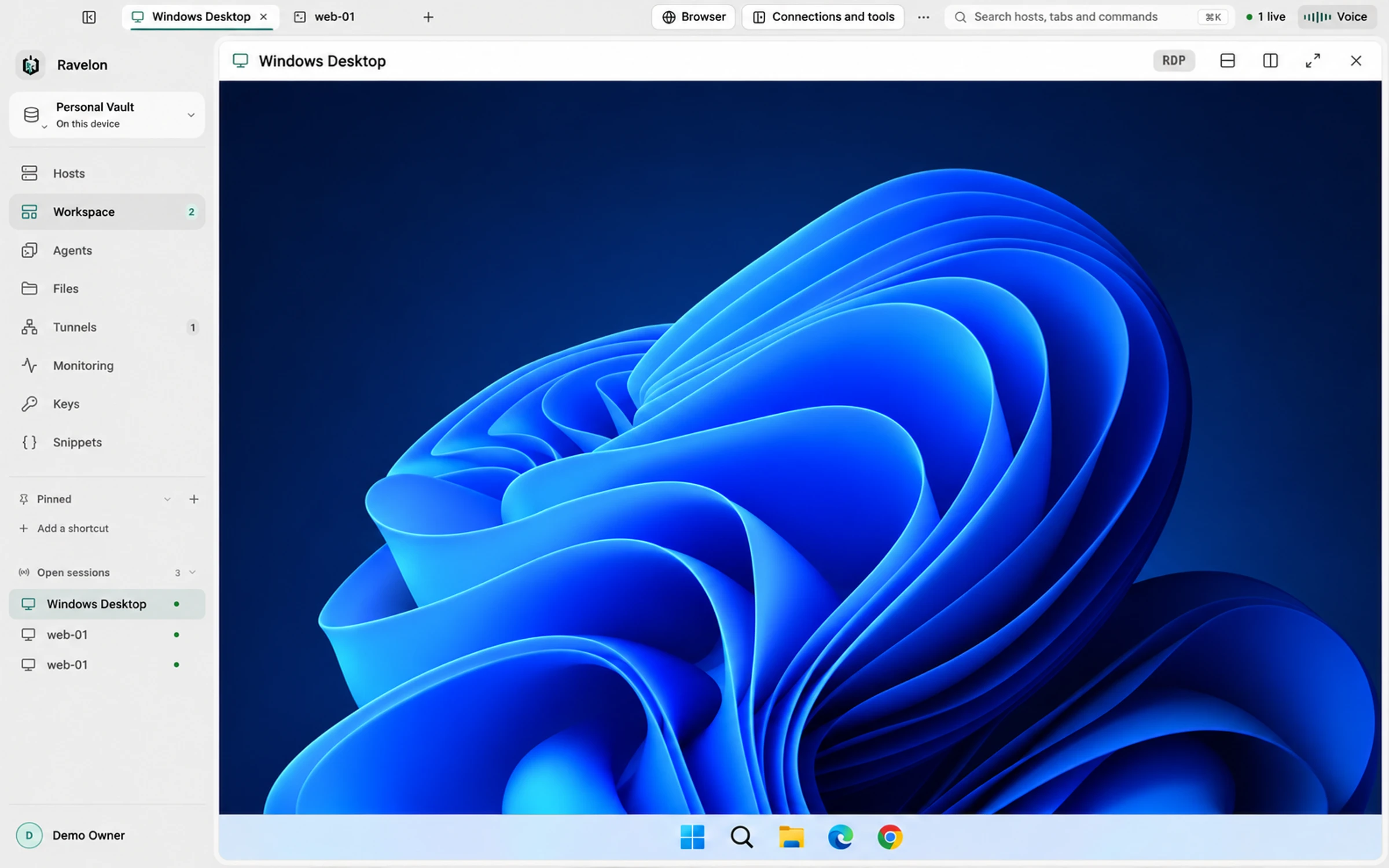
At a glance
- Protocols
- SSH, SFTP, RDP, VNC, Telnet and serial console
- Systems
- Windows, macOS and Linux
- Licence
- One-time purchase, no subscription
- Price
- Free without sync, Pro with sync €49.90 once
- Sync
- End-to-end encrypted. We host it, or you do.
Ravelon and Remote Desktop Manager, side by side
| Compared | Ravelon | Remote Desktop Manager |
|---|---|---|
| Pricing | Free without sync. Pro is EUR 49.90 once and adds sync. The self-hosted sync server is free and open source. | Free edition for individuals; the Team edition is a yearly subscription per user. |
| Platforms | Windows, macOS and Linux, on x86_64 and ARM64, with .deb and .rpm packages for Linux. | Windows, macOS, Linux, iOS and Android. |
| Connection types | SSH, SFTP, tunnels, RDP, VNC, Telnet, serial, local shells and coding agents. | RDP, SSH, VNC, Apple Remote Desktop, web, VPN and cloud consoles, more than 150 in all. |
| Credentials | Encrypted vault (AES-256-GCM) on your device. Sync only sees encrypted data. | A local data source, Devolutions Server, Devolutions Cloud or a linked password manager such as KeePass or Bitwarden. |
| Sharing and sync | End-to-end encrypted. We host it, or you do. | Through Devolutions Server on your own infrastructure or Devolutions Cloud. |
Remote Desktop Manager column last checked: 2026-10
Sources for Remote Desktop Manager: Remote Desktop Manager overview, Devolutions pricing, Remote Desktop Manager download
Product fit
Ravelon or Remote Desktop Manager?
Stay with Remote Desktop Manager if
- You need connection types beyond SSH, RDP and VNC, such as Hyper-V, VMware, VPN clients or cloud consoles.
- Your organization manages credentials centrally, with access control and audit trails in Devolutions Server or Devolutions Cloud.
- You need an Android app.
Ravelon limitations
- Connection types are SSH, SFTP, tunnels, RDP, VNC, Telnet, serial consoles and local shells.
- There is no Android app. Ravelon runs on Windows, macOS and Linux; the iPhone and iPad app supports SSH, SFTP, local tunnels and snippets.
- There is no direct import from Remote Desktop Manager. Entries come over as CSV, without passwords.
Ravelon features
Four reasons to move from Remote Desktop Manager to Ravelon
01
One workspace for every protocol
RDP, VNC, SSH, Telnet, serial consoles and local shells share one tab strip. Save a mixed layout as a workspace and open it again later.
02
SSH in depth
Terminal, SFTP browser and saved tunnels share one SSH connection per host, with jump hosts, OpenSSH certificates, proxies and pinned host keys.
03
End-to-end encrypted sync
Every record is encrypted on your device before it syncs through Ravelon Cloud or your own free Ravelon Sync server. Neither of them ever has the key.
04
Pay once
The desktop app is free without sync, with as many hosts as you like. Pro adds sync for EUR 49.90 once, with updates included.
Remote desktops next to SSH
Open a Windows server over RDP and the Linux machines behind it over SSH, in split panes of the same tab.
- RDP with TLS and NLA, scaling, remote resize and clipboard sharing
- Printer redirection: print jobs arrive as PDFs on your machine
- VNC over verified TLS, or tunnelled through a saved SSH host
- View-only mode and Ctrl+Alt+Delete for RDP and VNC
A vault that stays yours
Hosts, keys and passwords are sealed with AES-256-GCM on your device. Add an encryption password for a lock screen, and sync through Ravelon Cloud or your own server.
The server stores records it can't read.
Switching
Remote Desktop Manager migration
Export your entries from Remote Desktop Manager as a CSV file. Name the columns name, host, port, user, protocol and group, with ssh, rdp or vnc in the protocol column, and Hosts > Import brings them in, sorted into groups.
Add passwords to the vault once after the import. Subgroups pass user, credential and jump host on to every host inside, so shared logins are set in one place.
Install Ravelon
Download the build for your system from the download page. The local desktop app is free. Pro adds cloud sync and Ravelon ID.
Export a CSV from Remote Desktop Manager
Export the entries as CSV. Name the columns name, host, port, user, protocol and group, put ssh, rdp or vnc in the protocol column and choose Hosts > Import.
Add passwords and keys to the vault
Standard file imports leave out passwords. Add them to the vault once. To sync them to your other devices, turn on Sync keys & identities.
Connect once and confirm the host key
The first connection to each server shows its host key fingerprint. Confirm it, and Ravelon pins it and warns you if it ever changes.
FAQ
Frequently asked questions
How do I bring my Remote Desktop Manager entries over?
Export them as CSV, name the columns name, host, port, user, protocol and group, and choose Hosts > Import. Passwords are left out; add them to the vault afterwards.
Does Ravelon support RDP on macOS and Linux?
Yes. RDP runs inside the app on Windows, macOS and Linux, with TLS and NLA, scaling, remote resize, clipboard sharing and printer redirection.
What does Ravelon cost?
The desktop app is free without sync. Pro adds end-to-end encrypted sync through Ravelon Cloud for EUR 49.90 once. Running your own sync server is free.
Try it first
Try it on your own servers.
Try the free desktop app with its encrypted vault, SFTP, RDP, VNC and assistant. Import your SSH config and use Ravelon alongside your current client.
Other comparisons
Termius alternative
Free local tools with optional one-time Pro cloud sync.
Warp alternative
Your servers, files and tunnels in one workspace, with AI that waits for your OK.
PuTTY alternative
Your PuTTY sessions in one window, with a vault and a file browser.
MobaXterm alternative
The session-plus-files workflow you know, on macOS and Linux too.
Tabby alternative
Vault, files, tunnels and sync in one app, ready from first launch.
SecureCRT alternative
Free local connections with optional one-time Pro cloud sync.
Termix alternative
A native desktop app with a local vault, ready to go without any server setup.
Royal TS alternative
SSH first, with RDP and VNC alongside, on Linux too.
Remmina alternative
RDP and VNC right next to your SSH work, on Windows and macOS too.
mRemoteNG alternative
Your tabbed connections on macOS and Linux too, with an encrypted vault.
RealVNC alternative
VNC next to SSH and RDP, over verified TLS or an SSH tunnel.
Conductor alternative
Parallel coding agents in worktrees, on Windows, macOS and Linux.